TrackRoom guide
Getting started
Create your first song.
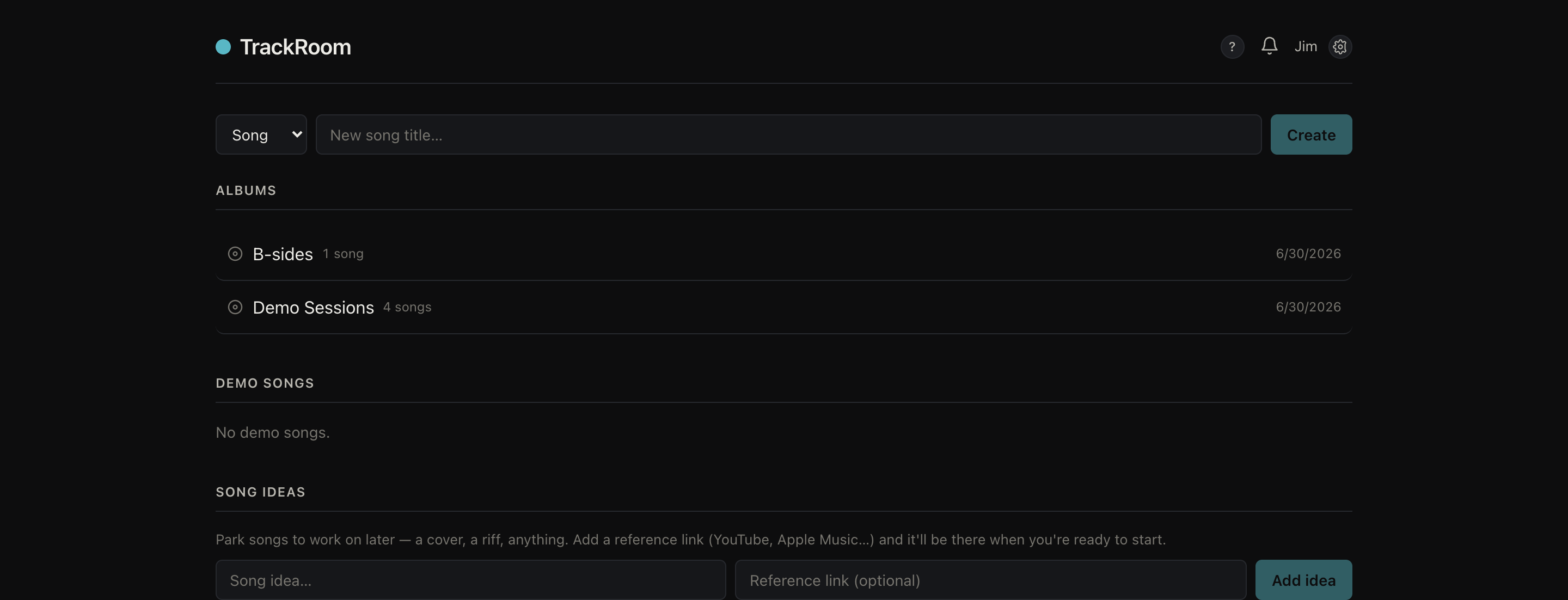
- Sign in and you'll land on your band's home — your library of songs.
- Use the bar at the top to create a Song, an Album (a group of songs), or a Setlist. Choose the type, give it a name, and hit Create.
- Open a song to add versions, lyrics, tabs, notes, and feedback.
- A colored dot next to a song shows its stage — rough demo, arranging, arranged. A white dot means there's new activity since you last looked.
- Use Search to find a song by its title, lyrics, tabs, or notes.